WebUI
The application serves a WebUI on the configured port (default 80), e.g. http://<host>:80/. It is used to check the state of the application, trigger actions and enter the MFA code. If the application is hosted under a sub path (e.g. behind a reverse proxy), set the web base path accordingly. The same functionality is available through the API.
No authentication
The WebUI does not offer authentication. Don't expose it to untrusted networks, see Security.
State
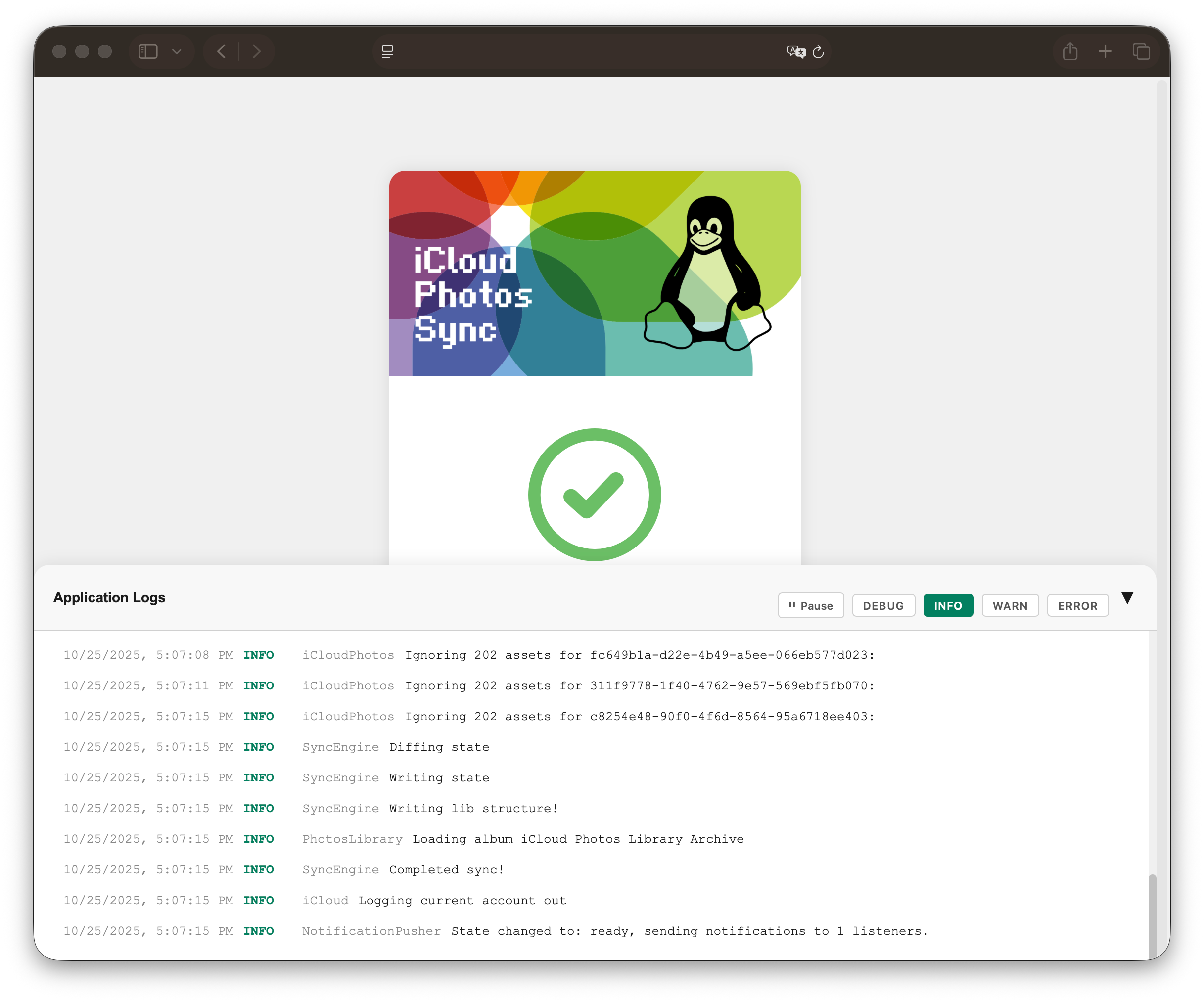
The start page (/state) shows the current state of the application, the time of the next scheduled sync and the result of the last run (including the error message, if it failed).
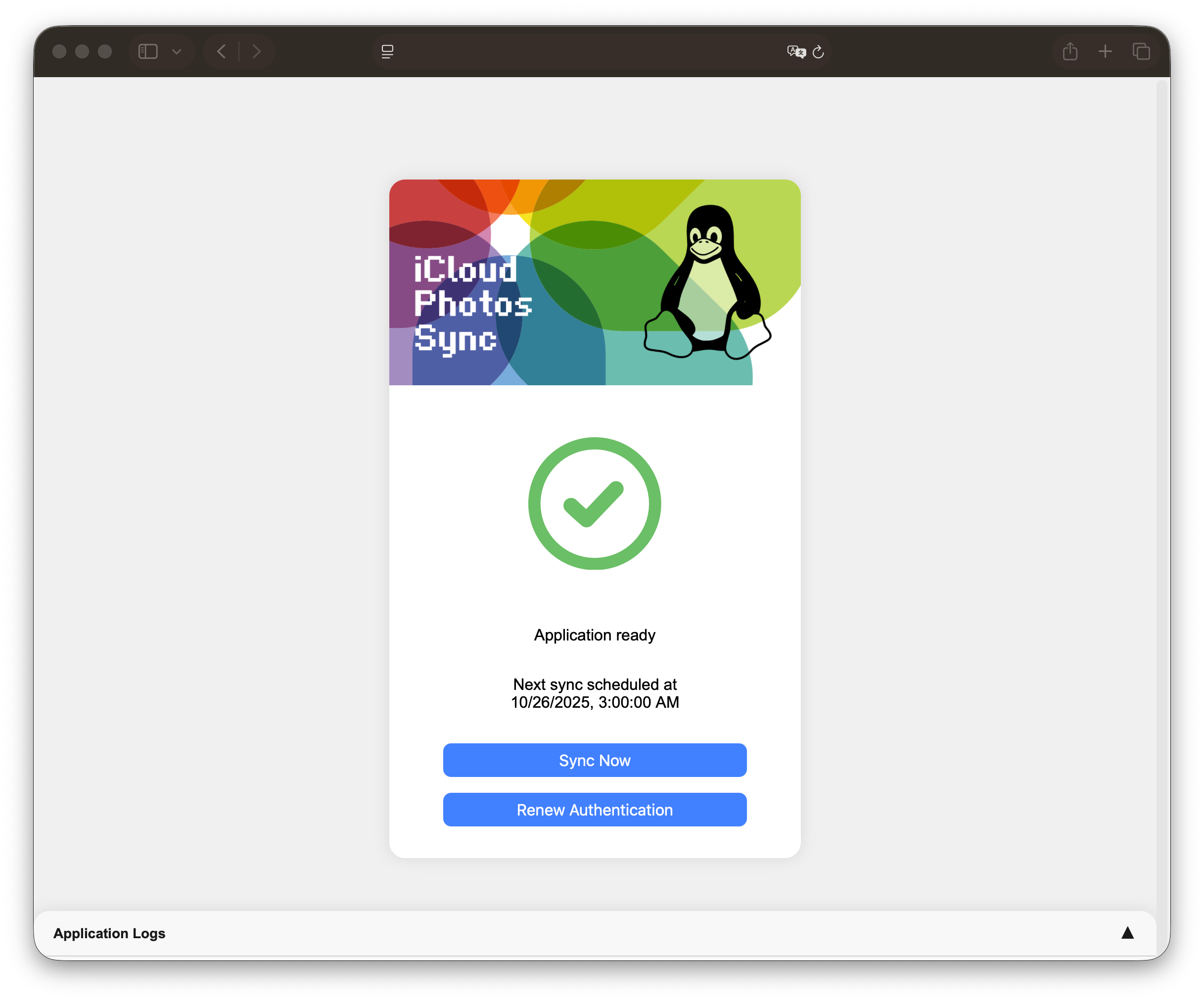
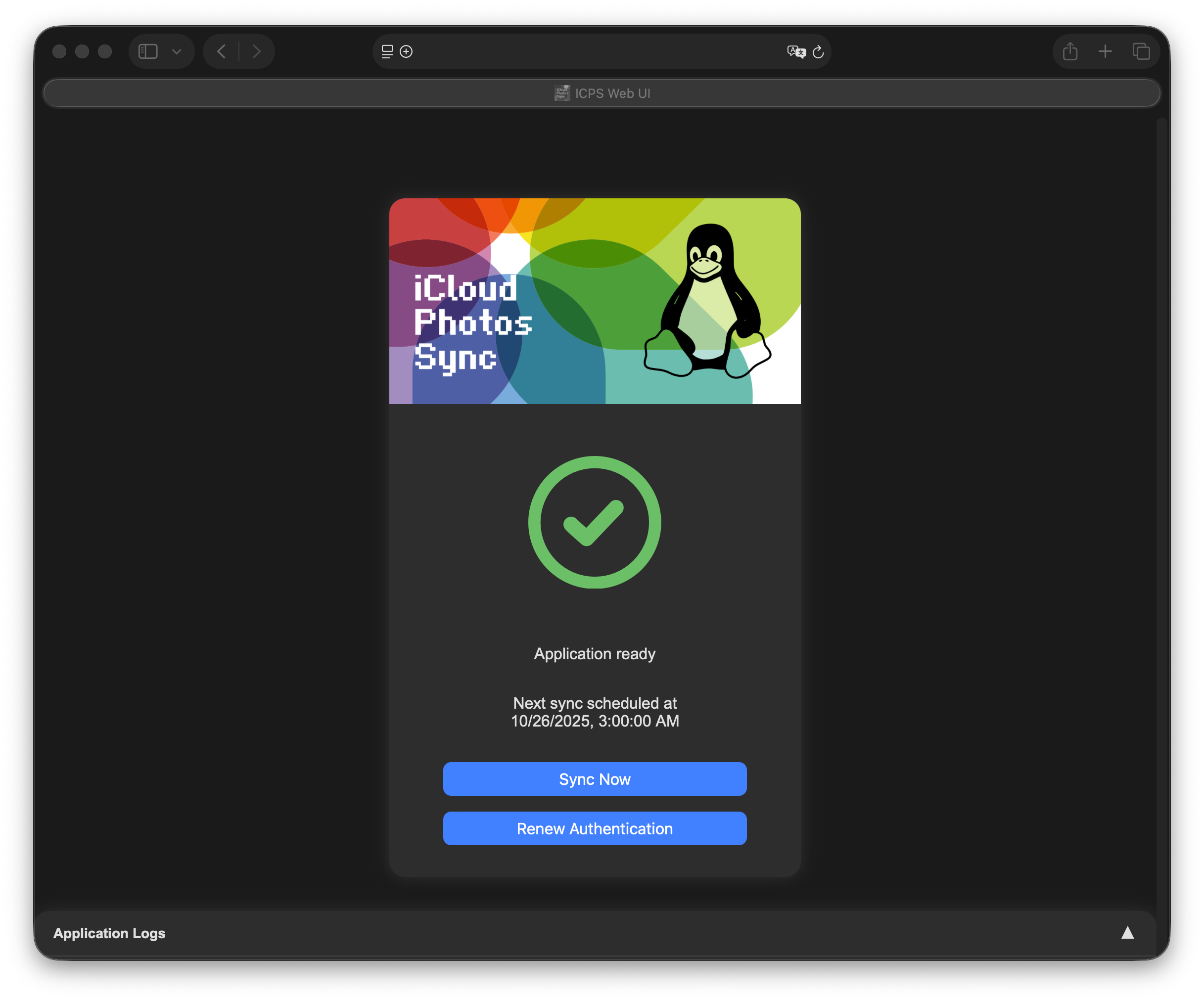
Sync Nowtriggers a sync immediately (in daemon mode only)Renew Authenticationperforms the authentication without syncing, e.g. to acquire a new trust token
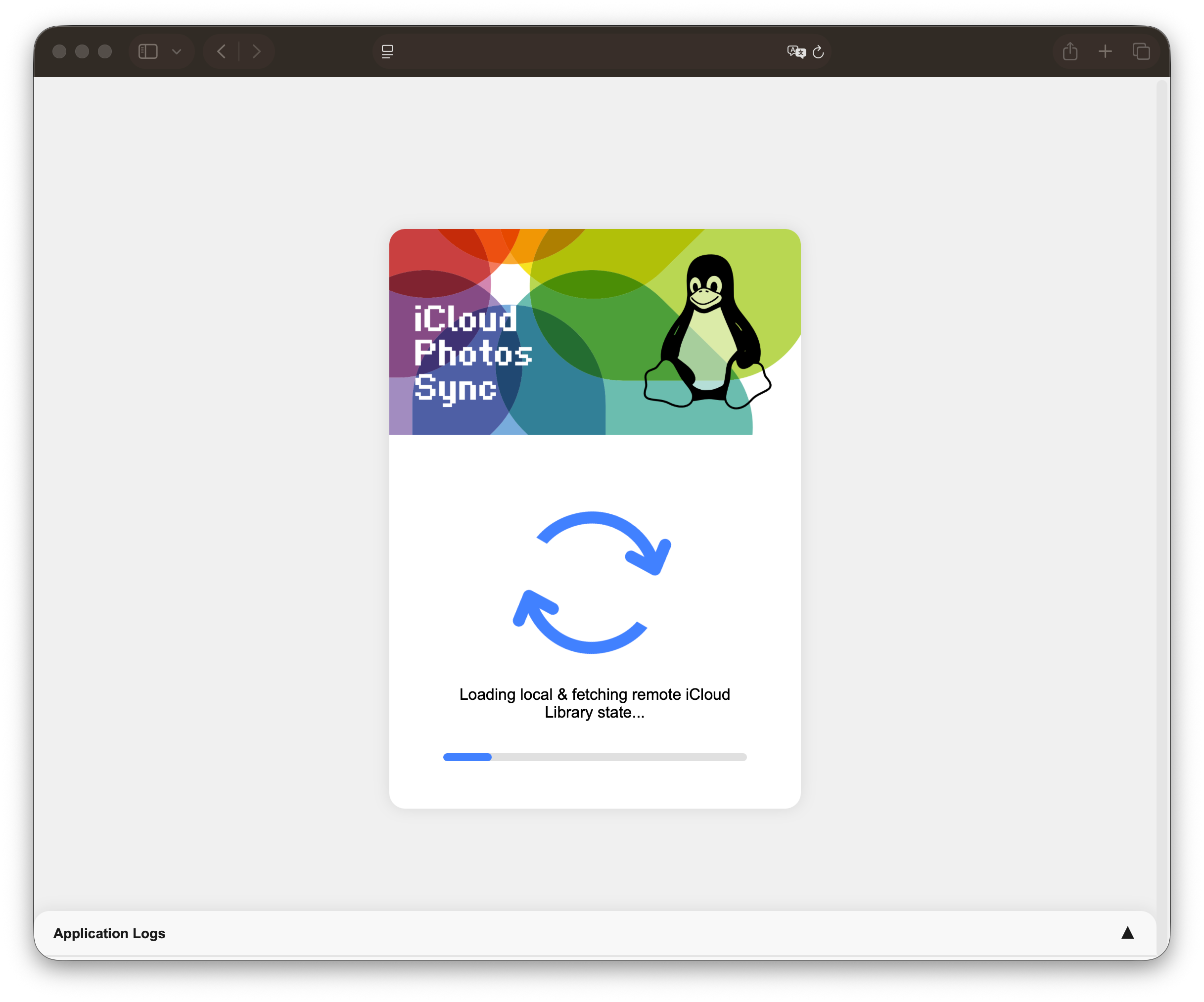
While an operation is running, the page shows its progress and the current step.
MFA
If an MFA code is required, the WebUI forwards to the MFA form (/submit-mfa), where the 6-digit code is entered. The code needs to be submitted within the MFA timeout (default 10 minutes).
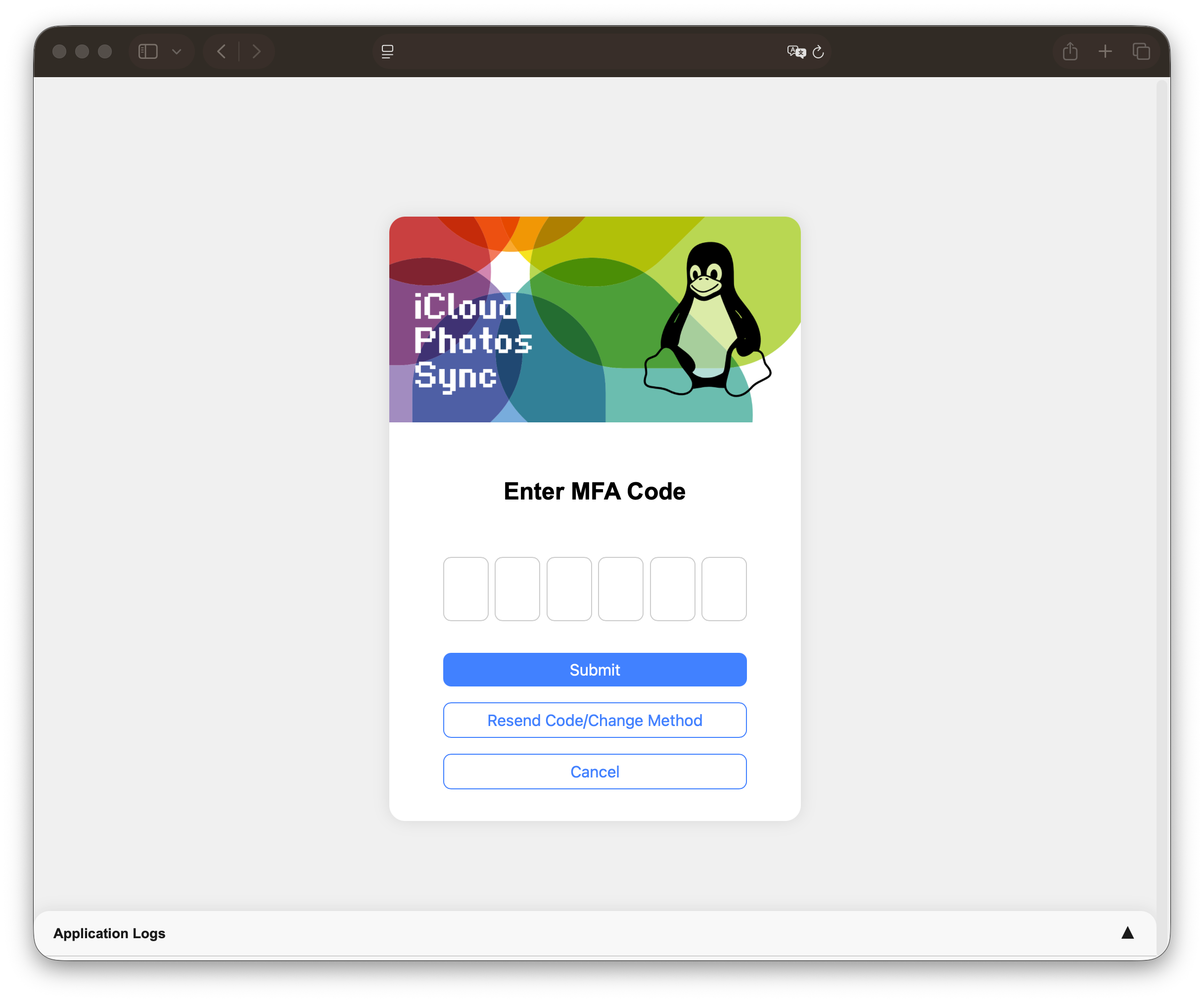
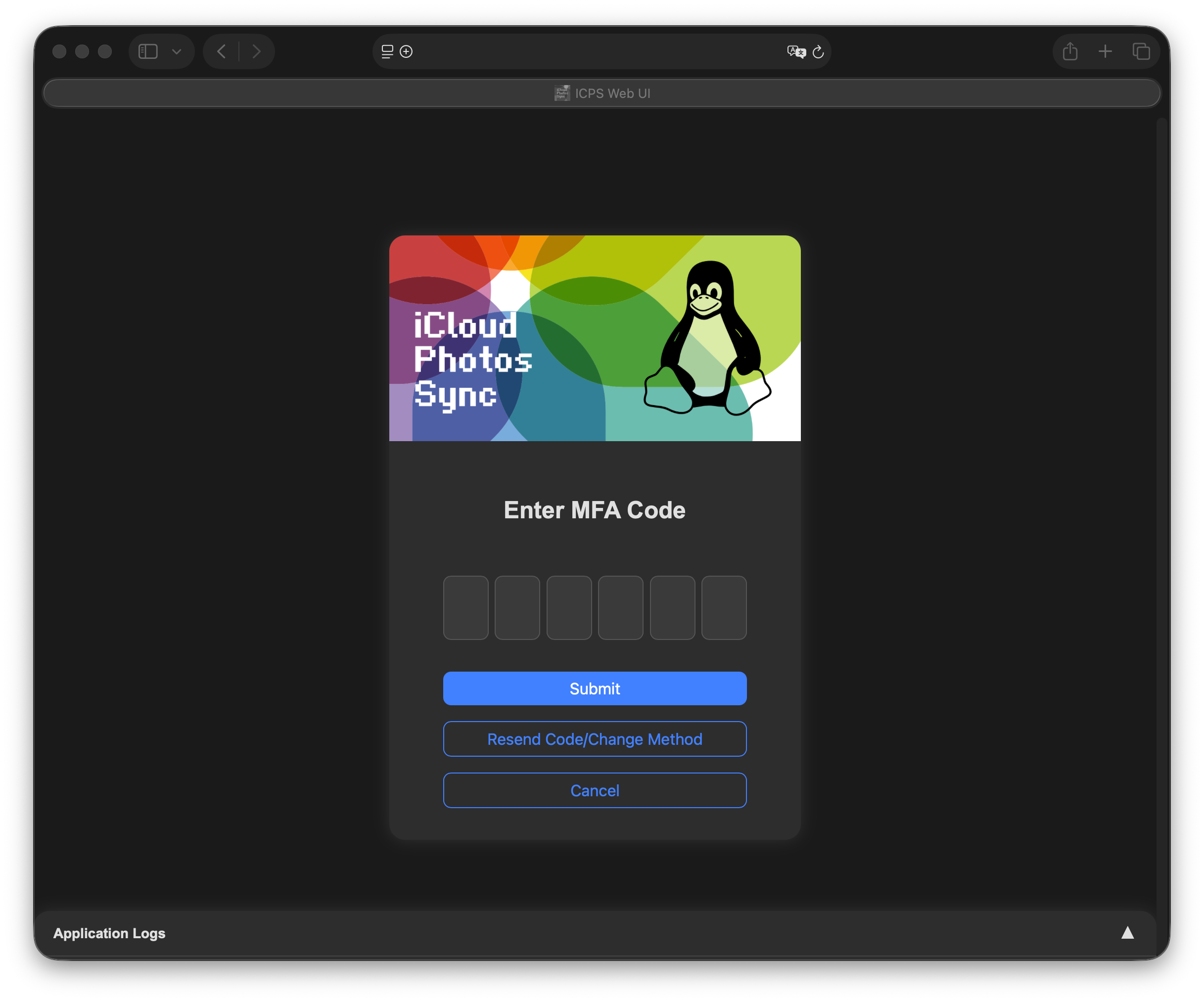
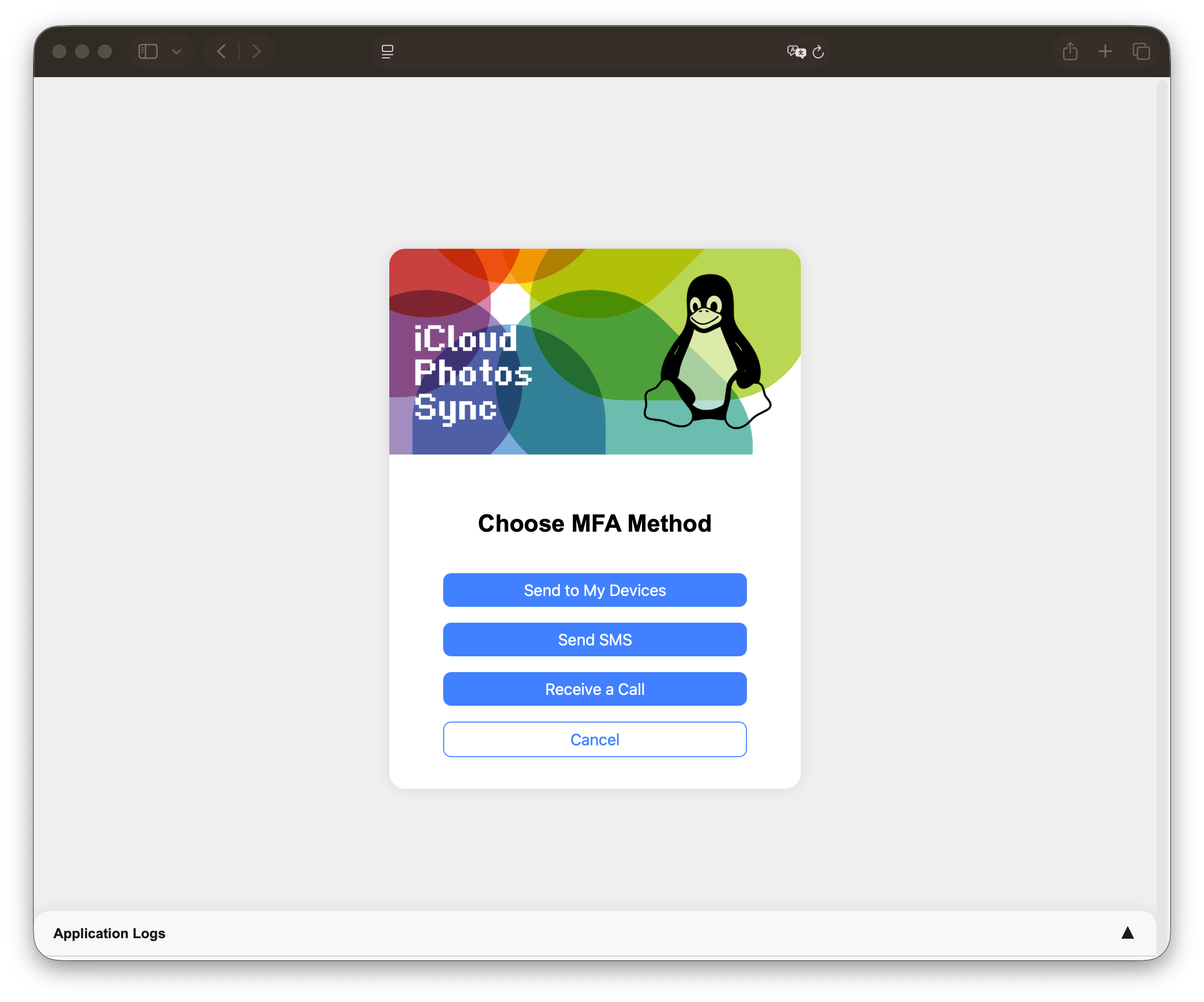
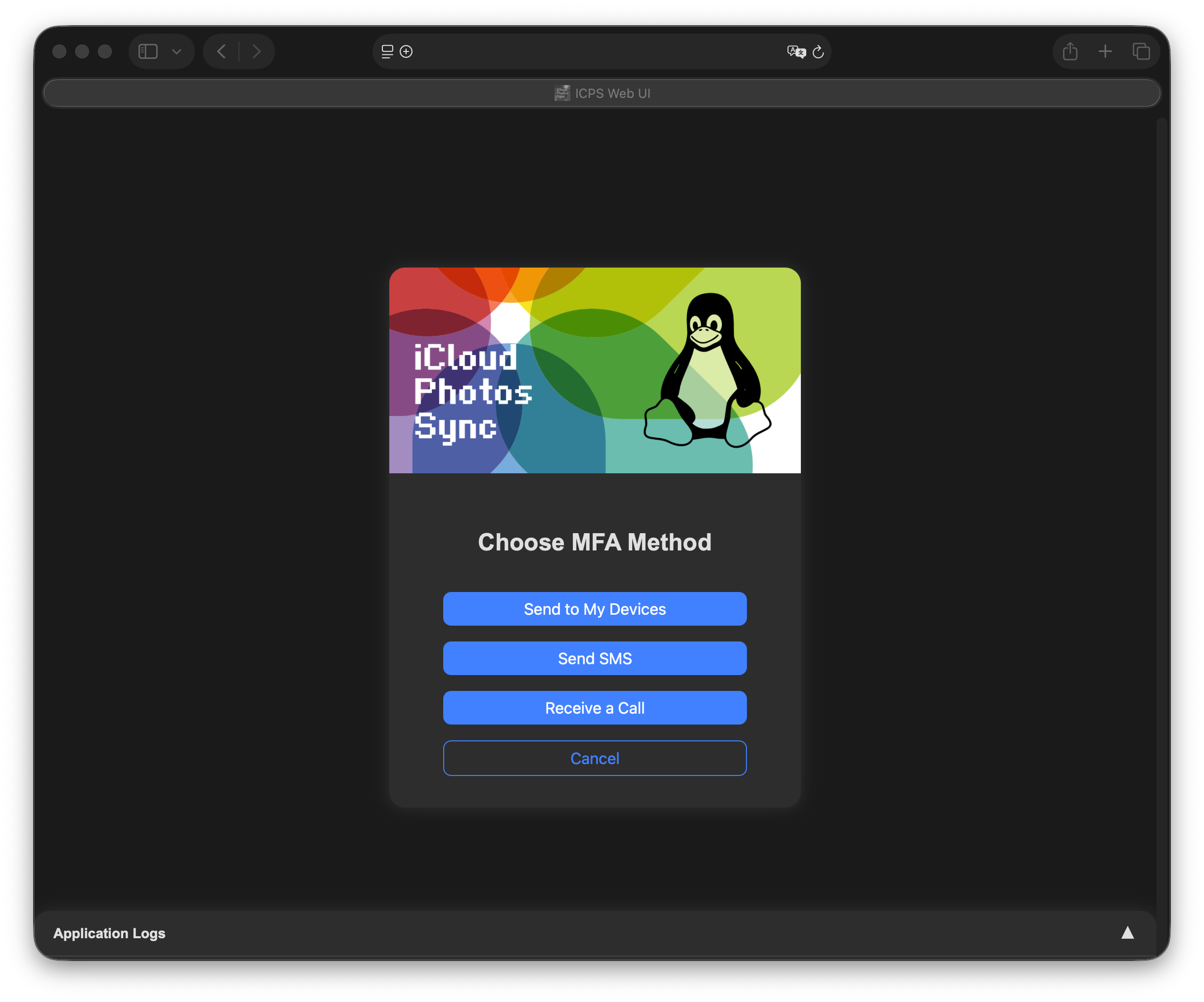
Resend Code/Change Method (/request-mfa) requests a new code, either on your trusted devices or as SMS/voice call to one of your trusted phone numbers.
Logs
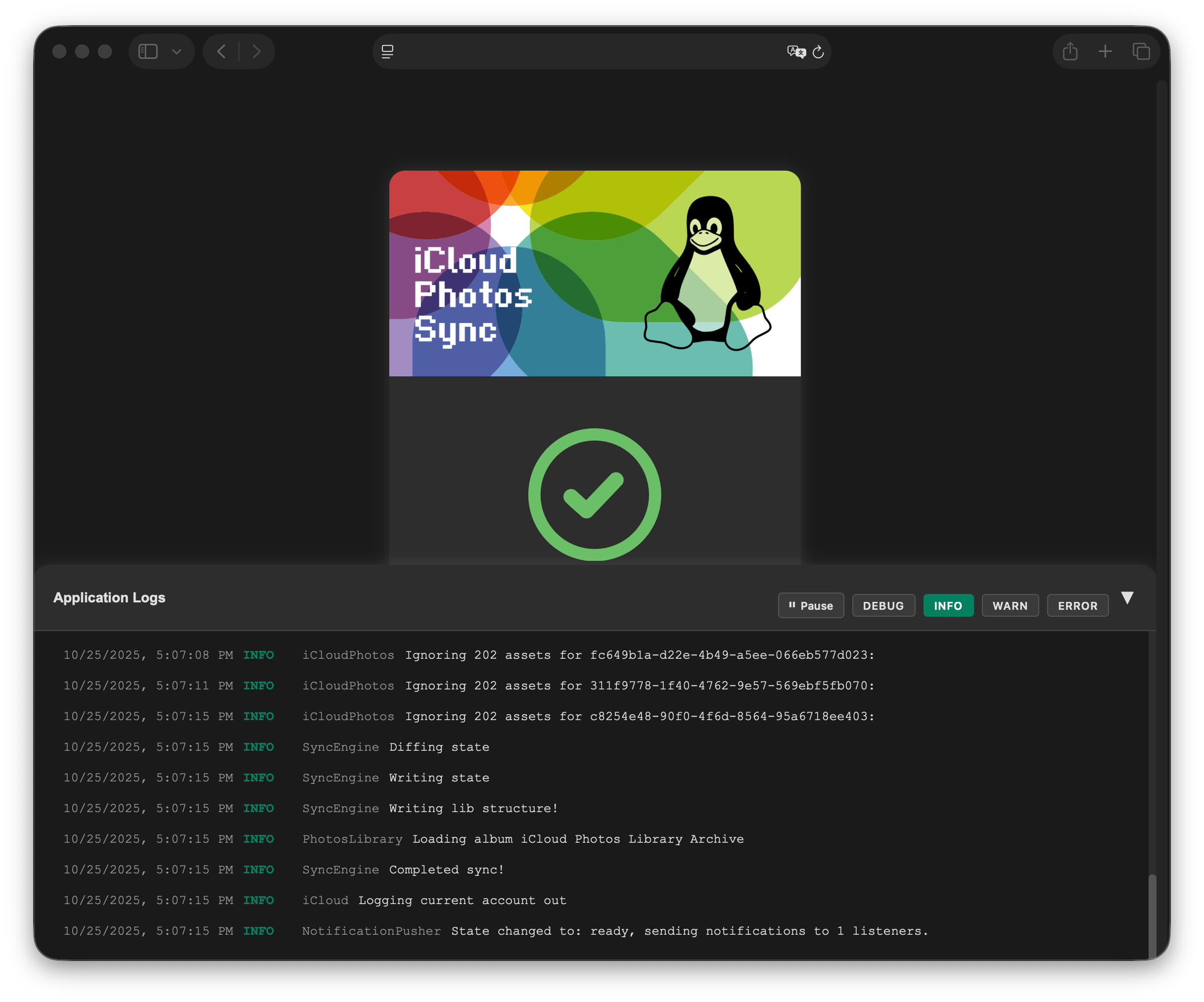
Every page contains a log viewer at the bottom, showing the log messages of the current (or last) run. Messages can be filtered by level and the live view can be paused. The log viewer always receives all levels, independent of the configured log level.
Notifications
The WebUI is a Progressive Web App (PWA) and can be added to the home screen. Its service worker only caches static resources: While the server is unreachable, the app opens, but can't fetch the state.
To receive push notifications, add the PWA to your home screen, tap the bell icon and grant notification permissions. A notification is sent when a sync has finished (successfully or not) and when an MFA code is required.
Notifications require a TLS encrypted connection with a certificate trusted by the device. They have only been tested with Safari on macOS and iOS.